How to Hide Read Receipts, Typing & Recording Status in GBWA
Privacy is one of the biggest advantages of using GB WhatsApp, and features like hiding read receipts (blue ticks), typing status, and recording indicators give you complete control over how others see your activity.
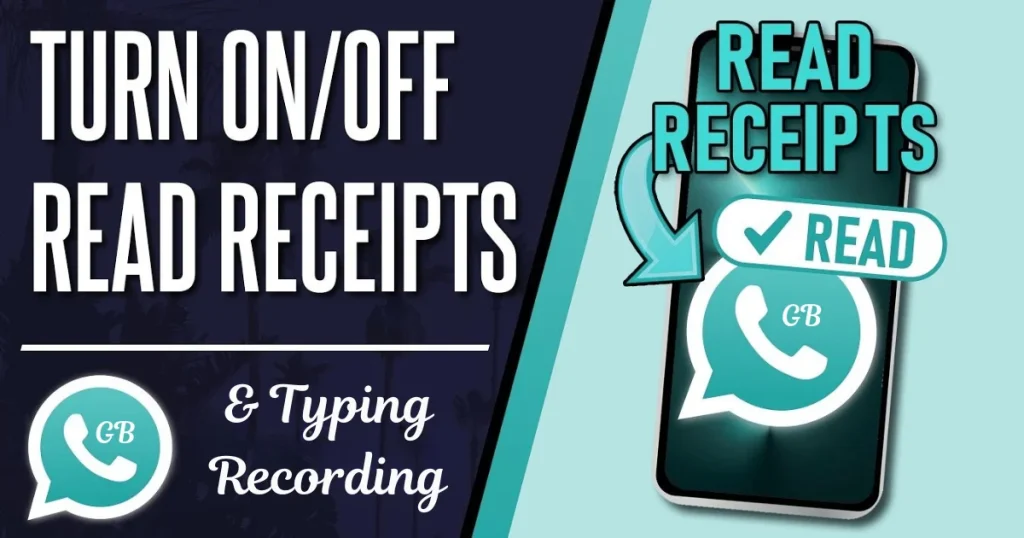
If you want to read messages without letting others know, type replies without pressure, or record voice notes privately, GB WhatsApp makes it possible with just a few settings.
In this complete guide from GBWTA.COM, you’ll learn how to hide all these indicators step by step, along with important tips to use them effectively.
What Are Read Receipts, Typing & Recording Indicators?
Before changing settings, it’s important to understand what each feature does.
Key Indicators Explained
- Read Receipts (Blue Ticks): These indicate when you have read a message, which can sometimes pressure you to reply immediately, even when you’re not ready.
- Typing Indicator: This appears when you are typing a message, letting others know you are actively responding in real time.
- Recording Indicator: This shows when you are recording a voice message, which may reveal your activity even before sending anything.
How to Hide Read Receipts (Blue Ticks) in GB WhatsApp
Follow these steps to disable blue ticks.
- Step 1: Open GB WhatsApp
- Unlock your phone and launch GB WhatsApp
- Wait until chats fully load
- Step 2: Access GB Settings
- Tap the three-dot menu in the top right corner
- Select GB Settings
- Step 3: Go to Privacy Settings
- Tap Privacy & Security
- Scroll to find read receipt options
- Step 4: Enable “Hide Blue Ticks”
- Toggle Hide Blue Ticks ON
- You can also enable Hide Second Tick if available
- Step 5: Restart App (Optional)
- Close the app
- Reopen to apply changes properly
How to Hide Typing Indicator in GB WhatsApp
This prevents others from seeing when you are typing.
Step-by-Step Guide
- Open GB WhatsApp
- Go to GB Settings
- Tap Privacy & Security
- Find Hide Typing Status
- Toggle it ON
- Restart the app if needed
How to Hide Recording Indicator in GB WhatsApp
This keeps your voice recording activity private.
Step-by-Step Guide
- Open the app
- Go to GB Settings
- Tap Privacy & Security
- Find Hide Recording Status
- Enable the option
- Restart the app
Combine All Settings for Full Privacy
To achieve complete invisibility, enable all three features together.
Recommended Privacy Setup
- Hide Blue Ticks lets you read messages without notifying the sender, giving you control over when to respond.
- Hide Typing Status allows you to prepare messages without creating pressure or expectations for an immediate reply.
- Hide Recording Status keeps your voice message activity completely private until you decide to send it.
Important Things to Know
- In some cases, hiding read receipts means you may not be able to see others’ read status as well, depending on your settings.
- These features work best when used consistently, as frequent switching may cause temporary glitches.
- Always keep your GB WhatsApp updated to ensure these privacy features work correctly without bugs.
Common Issues and Fixes
| Problem | Solution |
|---|---|
| Blue ticks still visible | Restart app |
| Typing status showing | Re-enable option |
| Recording indicator not hidden | Update app |
| Settings not saving | Clear cache |
When Should You Use These Features?
These privacy options are useful when:
- You want to avoid pressure to reply instantly
- You prefer private messaging
- You want distraction-free usage
- You need more control over communication
Pro Tips for Better Privacy
- Avoid enabling too many features if your device is low-end, as it may slightly affect performance.
- Use these settings wisely, especially in professional conversations where transparency may be expected.
- Regularly review your settings after updates to ensure everything remains configured correctly.
Conclusion
Hiding read receipts, typing, and recording indicators in GB WhatsApp is a powerful way to take control of your privacy. These features allow you to communicate on your own terms without pressure or interruptions.
With this guide from GBWTA.COM, you can easily enable and manage these settings for a smoother and more private messaging experience.
Stay in control, stay private, and enjoy GB WhatsApp the way you want—only with GBWTA.COM.